
A-Note how-to videos
Short videos that explain A-Note, one feature at a time. Pick the one you need.
What A-Note Pro can doPro
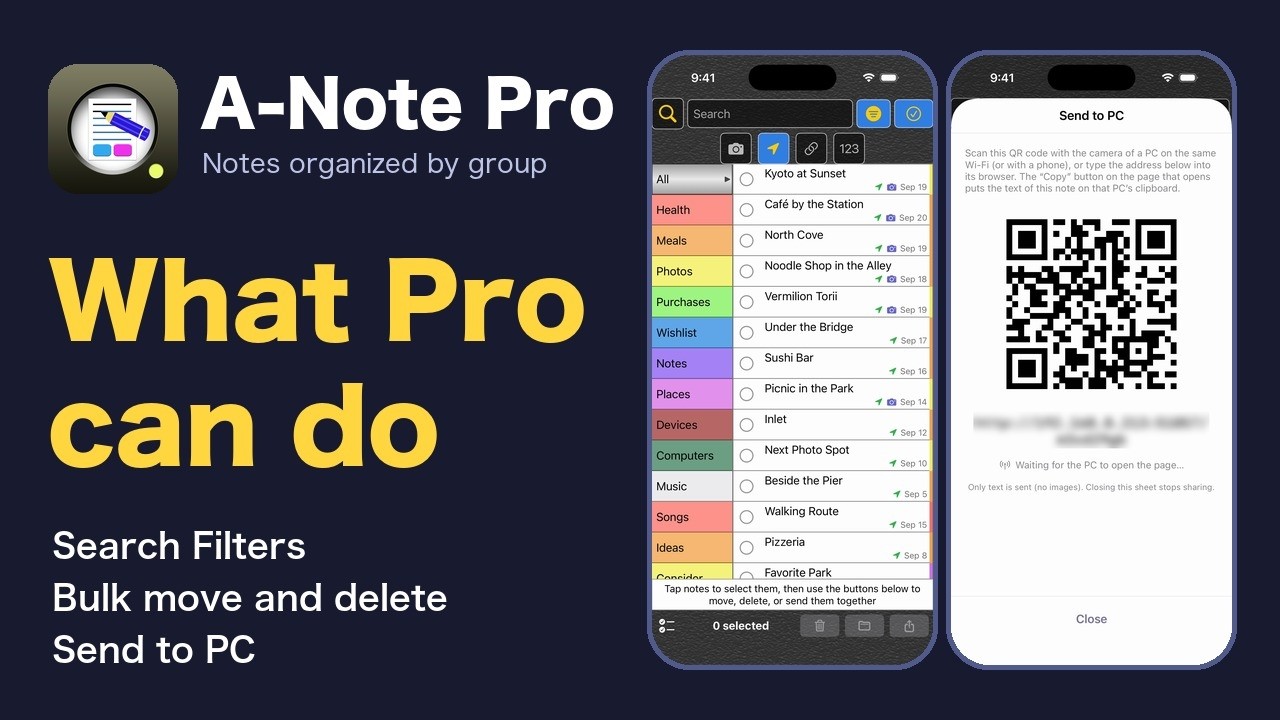
Hiding the ad banner area, removing the 3-group limit, Search Filters, bulk move and delete, Send to PC, and how to buy, shown on the iPhone. Pro is a one-time purchase, not a subscription.
How to Use A-Note 0: Notes you put away, sorted into groups
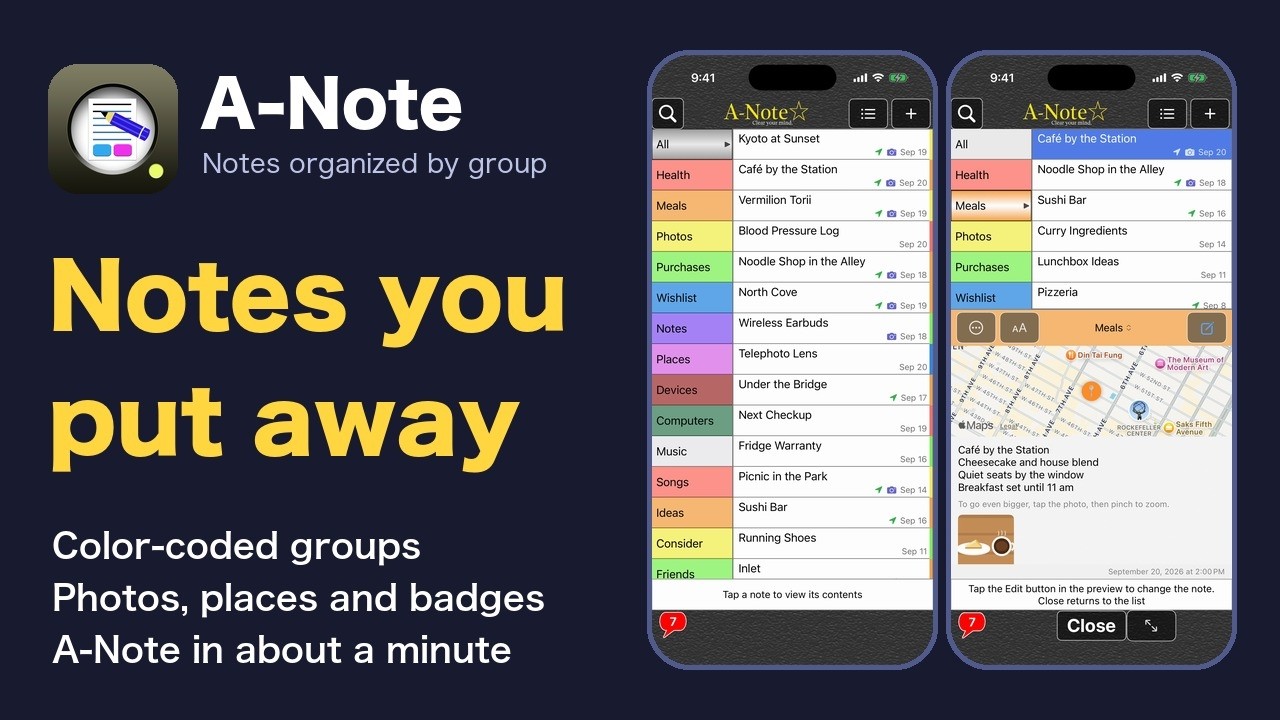
A one-minute look at what A-Note can do, and the way into the series: color-coded groups, photos and places, finding notes fast, keeping other apps' data, backup, and making it yours.
How to Use A-Note 1: Sort your notes into groups
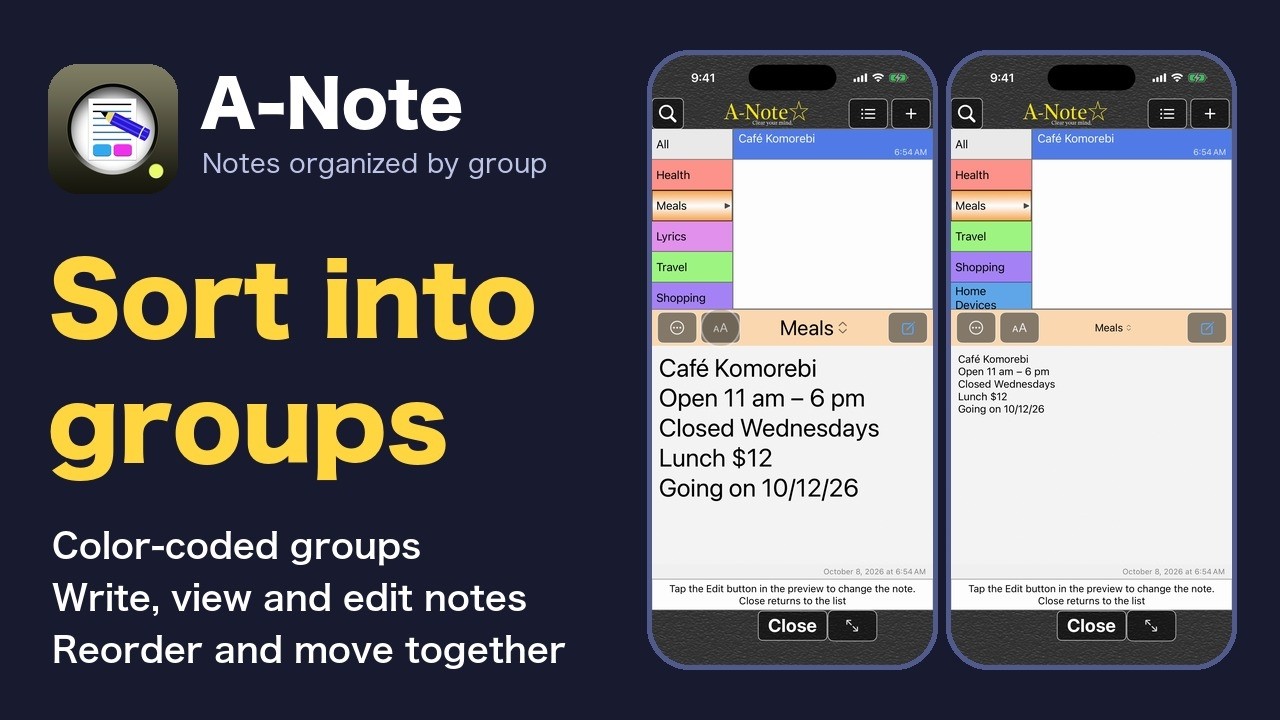
From making your first group to colors and shades, writing, viewing and editing notes, reordering groups and notes, marking notes and moving them together (Pro), and text size.
How to Use A-Note 2: Back up and share your notes
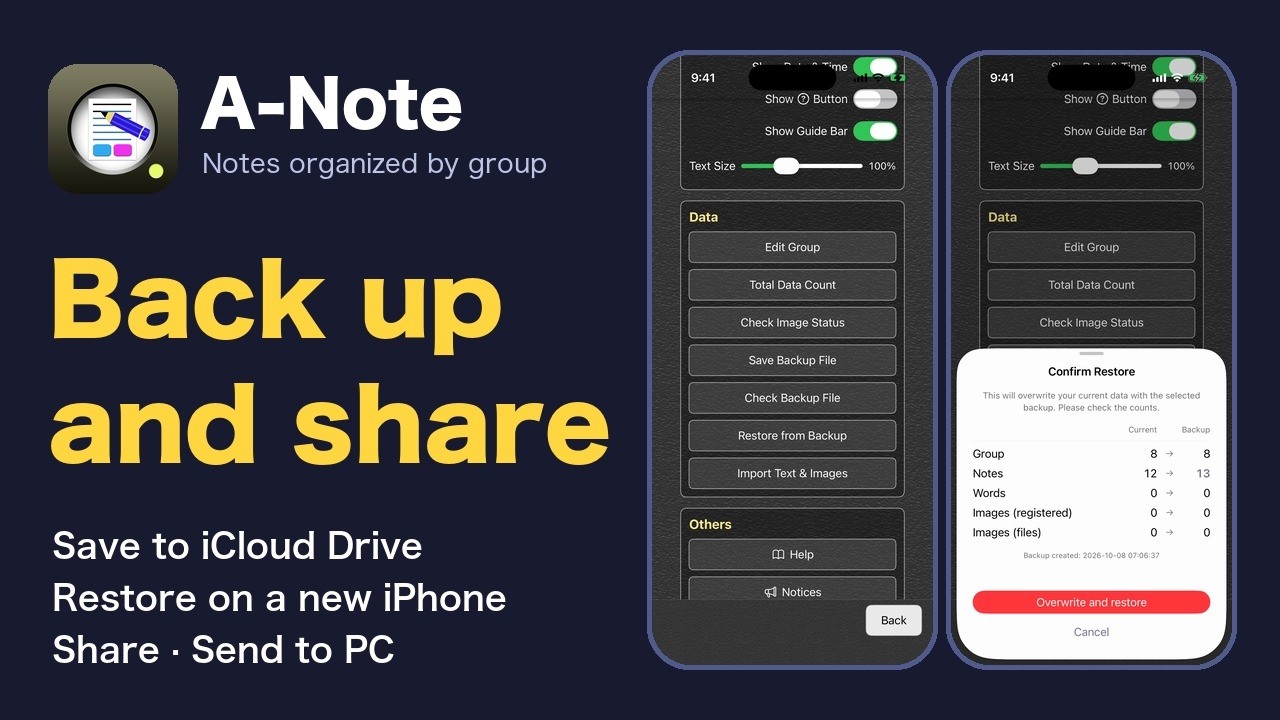
How to make a backup file, where to keep it, how to check and restore it, moving to a new iPhone, sharing a note, sending text to a PC (Pro), and importing.
How to Use A-Note 3: Keep photos and places too
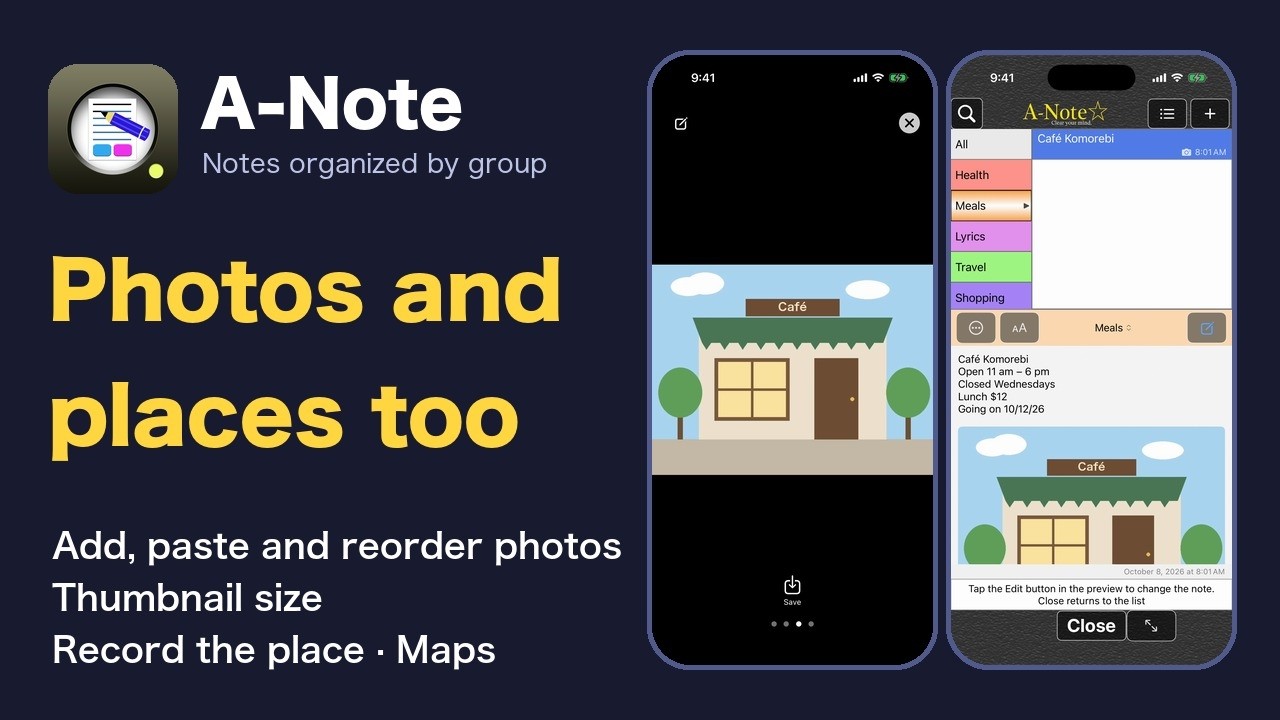
Add, paste, view, rotate, delete and reorder photos, change the thumbnail size, record where you are, see the map, and open it in Apple Maps.
How to Use A-Note 4: Find what you saved
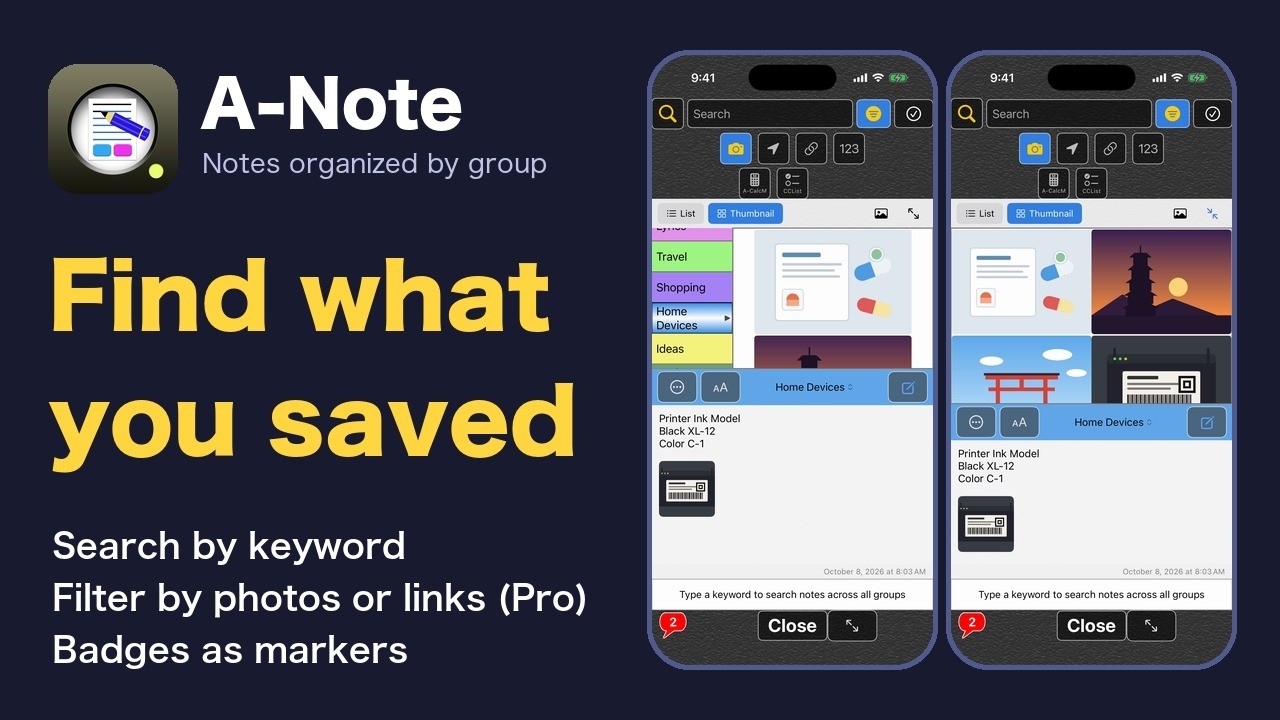
Search every group by a word, filter for notes with photos or links (Pro), jump to the word inside a note, mark notes with badges, and move search results together (Pro).
How to Use A-Note 5: A home for other apps' data
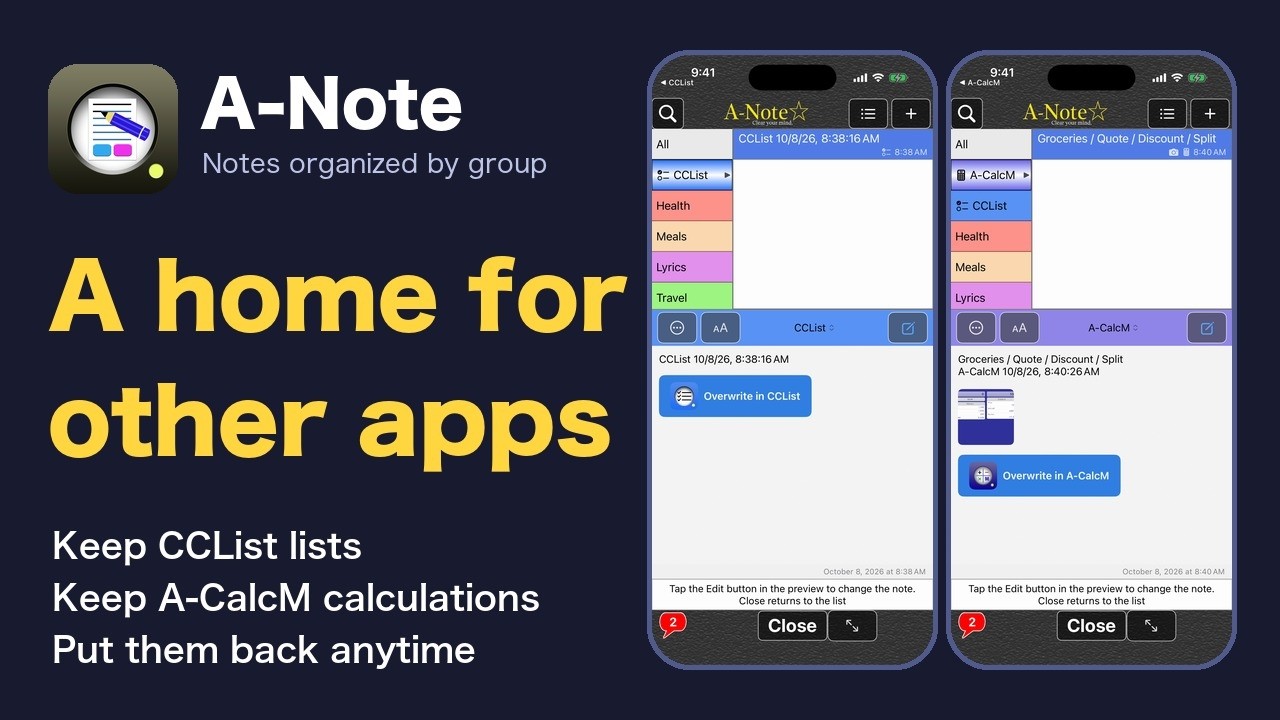
Save CCList checklists and A-CalcM calculations as notes in A-Note, put them back into each app, and protect them all with one A-Note backup.
How to Use A-Note 6: Make it yours
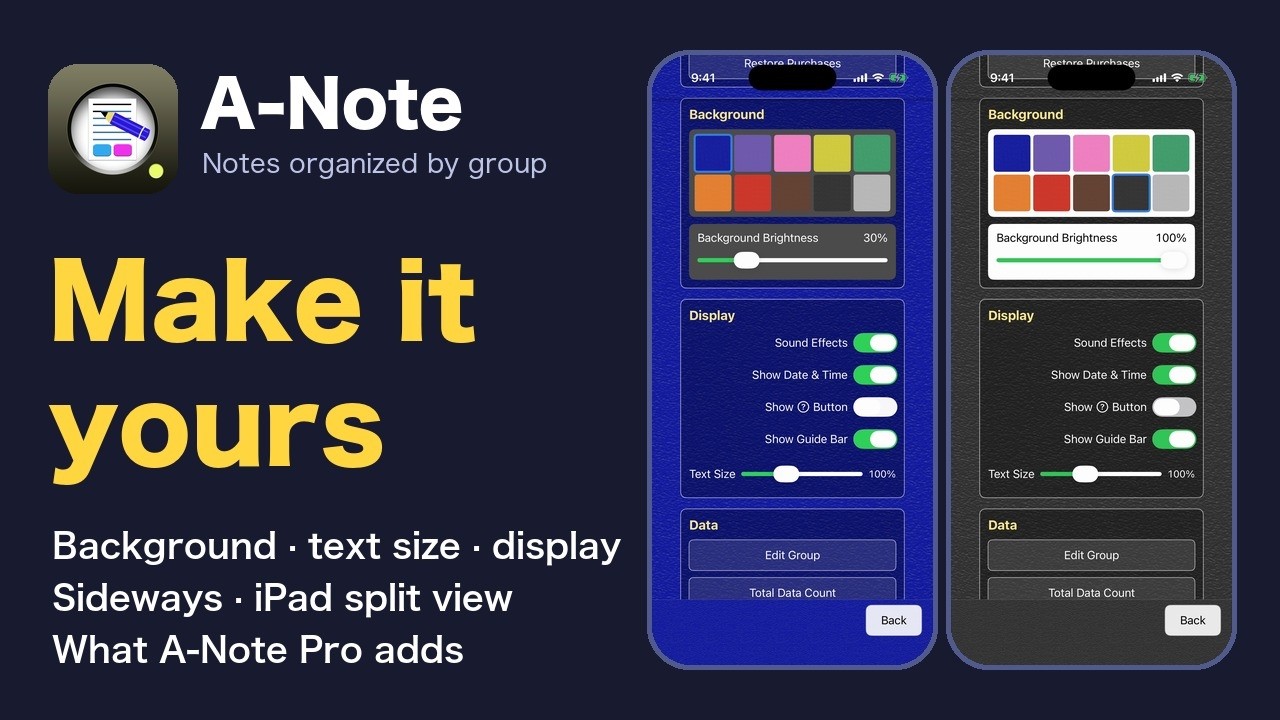
Go through the settings from top to bottom: background and brightness, display switches, the "?" button, text size, data and help, plus what A-Note Pro adds, three columns on a sideways iPhone, and splitting the iPad screen.